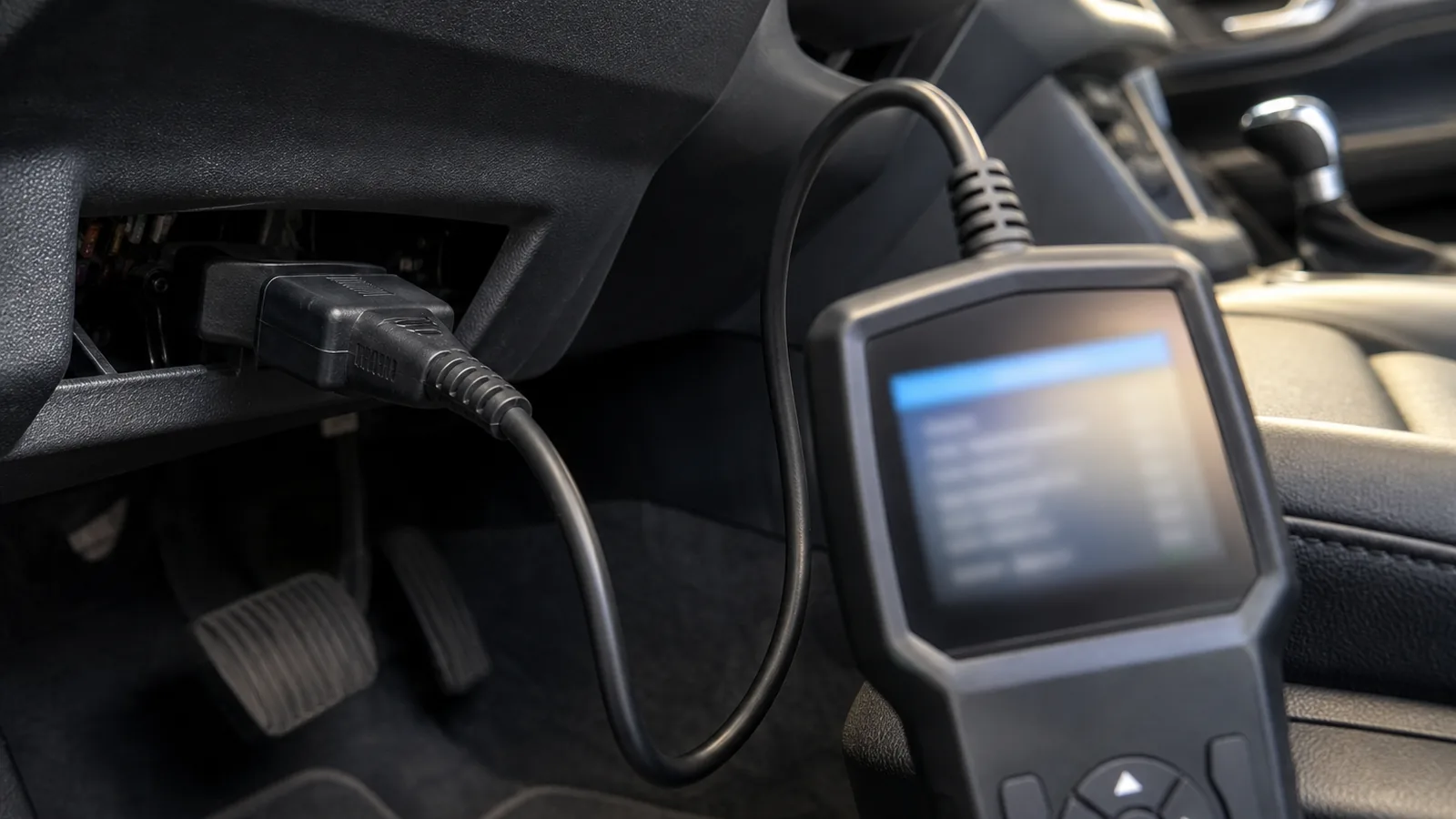
OBD Scanner Powers On but Will Not Communicate: A Safe Check Order
If the scanner screen powers on but the tool will not communicate with the vehicle, stop invasive electrical work and follow a safe check order: confirm ignition state, reseat the diagnostic connector, separate “no power” from “power but no data”, retry identification, then verify official compatibility. Do not probe pins, bypass gateways or dismantle vehicle electrics.
Stop conditions before troubleshooting
Pause and seek professional help immediately if you notice burning smells, damaged wiring, melted connector pins, repeated fuse failure, or active safety-system warnings you cannot interpret safely. A powered display does not prove ECU communication, and it does not prove the vehicle is compatible with the function you selected.
Confirm ignition state and a secure DLC connection
- Park safely, apply the parking brake and keep clear of moving parts.
- Locate the 16-pin data link connector (DLC) and inspect for bent pins or debris — look only; do not probe.
- Seat the diagnostic cable fully until it is secure.
- Set ignition to the state your tool manual requires (often ignition ON, engine off for module scans).
- If communication still fails, power down, wait a moment, then retry the ignition sequence as the manufacturer troubleshooting steps describe.
Official troubleshooting guidance for communication errors focuses on ignition state, a secure DLC cable connection and retrying the ignition sequence — not on DIY wiring repairs.
Separate no-power symptoms from powers-on / no-communication
| Symptom pattern | What it suggests | Safe next move |
|---|---|---|
| Tool never powers when plugged in | Possible supply, cable or connector issue | Reseat cable; if power is still absent, stop and seek professional electrical diagnosis |
| Tool powers but cannot identify or reach modules | Communication, protocol, menu selection or coverage issue | Follow the check order below without probing wiring |
| One system communicates, another does not | System-specific support or vehicle module issue | Check official function coverage, then escalate if still unresolved |
Retry vehicle identification and check official compatibility
- Retry automatic identification if your tool offers it.
- If that fails, select the vehicle manually with accurate make, model, year and engine details.
- Confirm you opened the correct system menu for the job.
- Check the official vehicle coverage lookup for that exact vehicle and function.
- Update the tool software only through the manufacturer’s supported update path when you have a safe Wi‑Fi environment — then retest.
Lack of communication can be a coverage question as much as a cable question. Vehicle-dependent function availability is normal; do not assume a powered screen means every ECU will answer.
When vehicle electrical or control-module diagnosis needs a professional
Escalate to a qualified workshop when:
- Stop conditions above are present.
- Manual identification and official coverage both look correct, yet communication still fails.
- You are tempted to test fuses by substitution loops, pierce wires or bypass security gateways — those steps are out of scope here.
- You would otherwise blame a control module without professional testing.
Next step and FAQ
After the safe checks, if you still need a four-system handheld for supported vehicles, review the TOPDON ArtiDiag600S car code reader details and confirm coverage before relying on it. See also how to check car-scanner compatibility and the car fault code reader UK guide.
Why does a powered screen not mean communication?
Display power and ECU data are different paths. The tool can light up while protocol, ignition state, cable seating or coverage still blocks a session.
Can I probe DLC pins myself?
No. This guide does not advise probing pins, bypassing security gateways, replacing fuses as a DIY fix loop or dismantling vehicle electrics.
Should I assume the ECU is faulty?
No. Blame a control module only after professional testing rules out connection, setup and coverage issues.
What if only ABS or SRS will not talk?
Treat it as a system-specific support or vehicle issue: verify official coverage for that module, then escalate if communication still fails.