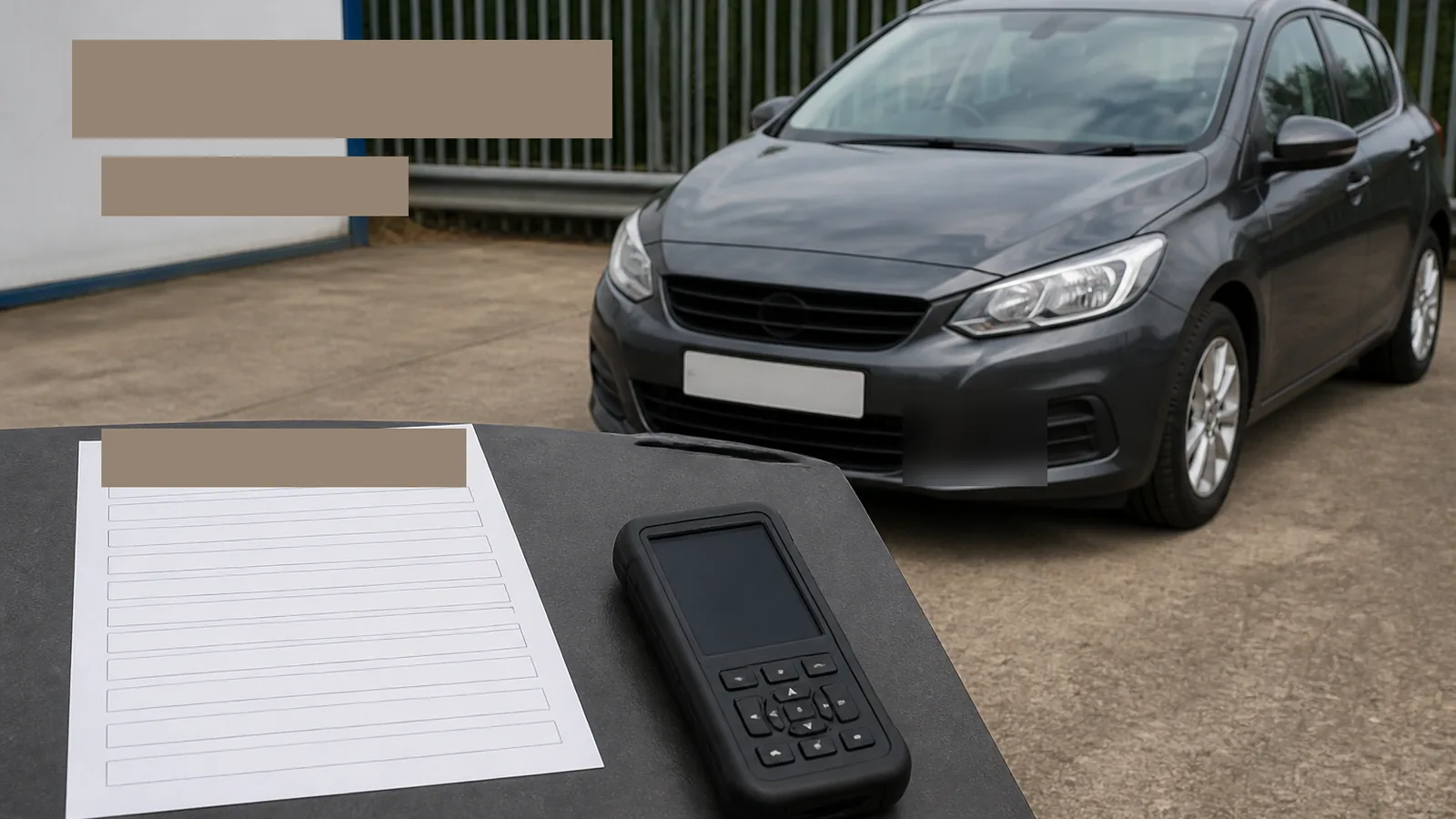
How To Check Car Scanner Compatibility By Vehicle And Function
Before you buy any car scanner, match make, model, year, engine and the exact function you need. Connector fit or a general “OBD2/EOBD” claim is not enough to guarantee manufacturer-system diagnostics or a service reset on your vehicle.
Separate generic EOBD access from manufacturer-system and service-function coverage
Most post-2001 petrol and post-2004 diesel cars in the UK expose a 16-pin diagnostic connector for basic emissions OBD/EOBD tasks. That layer is not the same as reading ABS, SRS or transmission modules, and it is not the same as oil, EPB, BMS, DPF or other service functions.
- Generic OBD/EOBD: emissions-oriented codes and related data when the vehicle supports them.
- Manufacturer-system diagnostics: deeper modules that vary heavily by brand and year.
- Service functions / resets: separate, vehicle-dependent procedures that may be absent even when code reading works.
Official product materials may describe a tool family in broad terms; exact vehicle and function support still belongs in an official coverage lookup. Tool manuals also note that some functions may not be available depending on vehicle make.
Five-field compatibility enquiry template
Copy this template into an email or notebook before you purchase:
- Make — for example Ford, BMW, Toyota.
- Model and body — exact model name and generation if known.
- Year — registration year and, if known, model year.
- Engine / powertrain — petrol, diesel, hybrid detail and engine code if available.
- Exact function needed — for example “read ABS DTCs”, “BMS registration”, “EPB retract”, not just “full diagnostics”.
Send the same five fields to any seller and keep their written reply with the coverage screenshot.
How to use an official coverage lookup and keep a result record
- Open the manufacturer’s official vehicle coverage tool.
- Enter the vehicle identity as completely as the form allows.
- Search the exact function, not only the brand name.
- Screenshot or save the result page with today’s date.
- If the function is missing, unclear or listed with limits, treat that as unsupported until confirmed in writing.
For TOPDON tools, the official coverage lookup is the right place for model- and function-level checks. Do not convert an overall brand count into a guarantee for your ECU or reset.
Red flags before you pay
- Vague “covers 90+ brands” claims with no function-level check for your car.
- Assumed reset support because a friend has a similar model.
- “It has OBD2, so everything works” or “the plug fits, so it is compatible”.
- Promises about CAN-FD, AutoVIN or a named service function without an official lookup for your vehicle.
- Imported grey-market vehicles, obscure engine codes or recent facelifts without written confirmation.
- Claims about future coverage, update duration, regional warranty terms or UK stock status that you have not verified on the live listing.
Next step and FAQ
When you have your five-field note ready, compare it with the live TOPDON ArtiDiag600S listing on CodeReader UK, then verify functions on the official coverage tool before checkout. For adjacent reading, see the OBD diagnostic tool UK buyer’s guide and 9 service resets car scanner explained.
Is OBD2 compliance enough?
No. Compliance and connector fit do not guarantee manufacturer-system or reset support.
Can a brand count replace a coverage check?
No. Brand totals are marketing summaries; function-level lookup is what matters.
What if AutoVIN fails?
Manual vehicle selection may still work, but function availability remains vehicle-dependent — confirm the function itself, not only identification.
Should I buy first and check later?
No. Check coverage and keep a dated record before you spend.